Claim file & documentation
Claim file, photo documentation and sending
Every claim has its own file: versioned documents, photo documentation with compression, a public gallery link and email sending — all in one place.
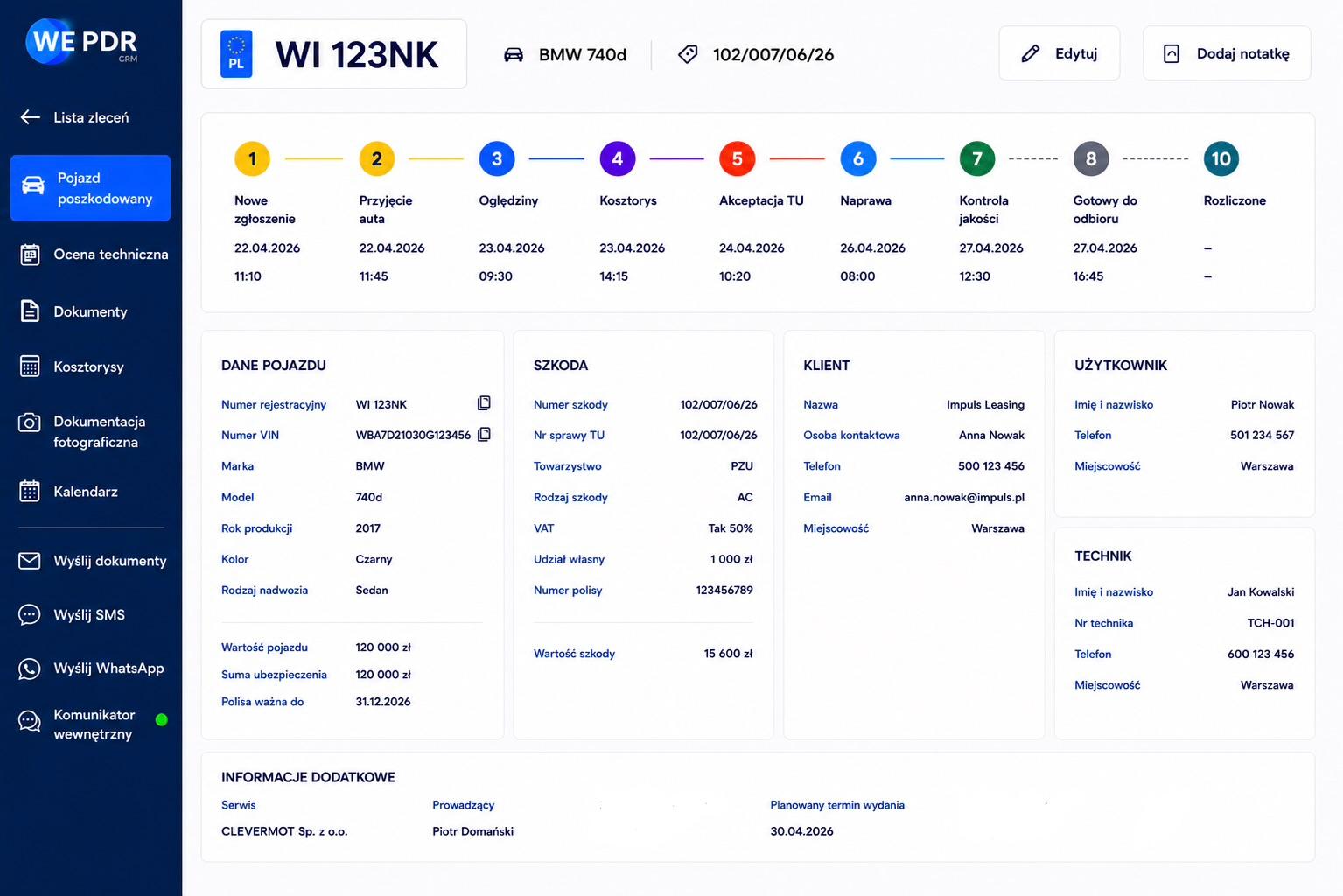
Every claim has its own file: versioned documents, photo documentation with compression, a public gallery link and email sending — all in one place.
The claim file is an organised, version-controlled document repository for each order. Generated documents (technical assessment, calculation) and uploaded ones (client, workshop) have their categories and successive versions. You can upload PDFs and photos, download them securely, and email selected documents to the client, insurer or workshop.
Photo documentation is optimised for fieldwork: images are compressed in the browser, and thumbnails and web versions are produced in the background. You can also generate a public, non-guessable gallery link — the recipient views the photos without logging in, and the link goes into documents and emails.
Every generated or uploaded document gets a new version within its category.
Add PDFs and photos to the file (client or workshop documents).
Images are compressed in the browser; thumbnails and web versions are made in the background.
A non-guessable link lets anyone view the damage photos without logging in — it goes into PDFs and emails.
Pick documents and recipients, and the system sends them with attachments and a gallery link.
The system generates the assessment and calculation, and you add your own files and photos.
Generate a public link to the damage photos.
Select documents and recipients — sending starts with attachments and the link.
Technical assessment and repair calculation as PDF, with your logo, in PL and EN.
How it works →An order list with statuses and process stages — from intake to pickup.
How it works →Panel-by-panel body assessment on a vehicle map with the estimate calculated live.
How it works →Create an account and walk the whole path: from inspection, through the estimate, to a finished PDF document.